Building a Modern Digital Garden with Angular 22, SSR, and Markdown
Archived Release Snapshot: July 25, 2026
Initial planting (Angular 22 SSR, Canvas physics graph, wikilinks compiler) (3c619d2)
Building a Modern Digital Garden with Angular 22, SSR, and Markdown
As developers and knowledge workers, we want complete control over our writing workflow, frontend styling, routing, and SEO. While traditional CMS platforms can feel bloated, a Git-native Digital Garden offers the ultimate combination of simplicity, speed, and creative freedom.
In this architecture guide, we dive into how this garden is built using Angular 22 (SSR), Tailwind CSS v4, and a build-time Wikilinks & Backlinks Compiler.
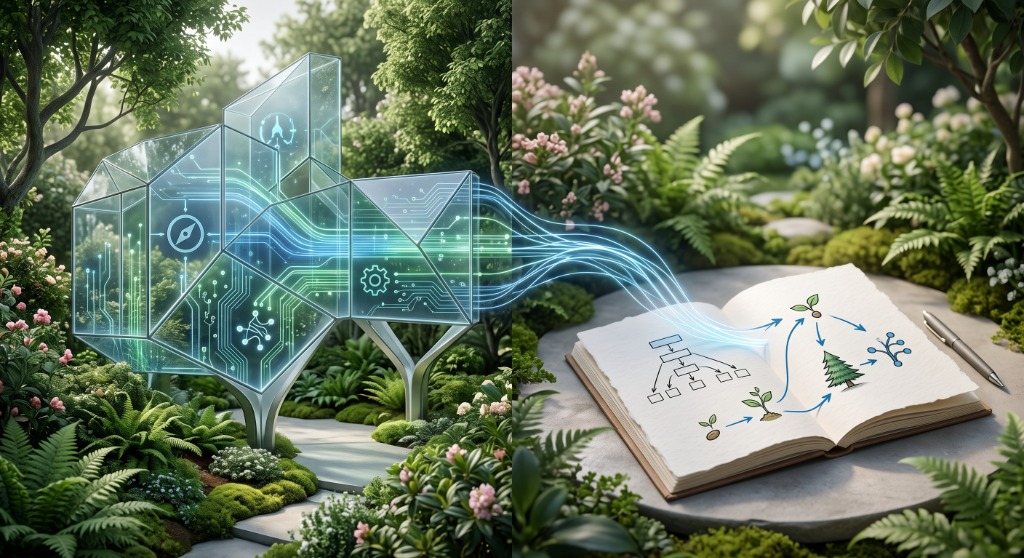
The System Architecture Overview
Our pipeline separates note authoring from content serving, ensuring maximum loading speeds, 0ms runtime database latency, and bulletproof reliability.
Core Technical Features
1. Obsidian-Style Wikilinks & Inbound Backlinks
When writing notes in markdown, you can link to other notes using double brackets like [[2026-07-26-welcome-to-my-digital-garden|Welcome to my digital garden]] or [[2026-07-26-from-gemini-chats-to-signals-why-i-built-a-digital-garden]].
During build time, the compilation script:
- Detects all outgoing references across all markdown files.
- Builds an inverted index to compute every note's inbound backlinks ("Mentioned In").
- Converts wikilinks into fast, client-side router links with hover styling.
2. Force-Directed Physics Graph Map
The garden includes an interactive HTML5 Canvas graph powered by custom Newtonian spring physics:
- Nodes are sized and color-coded by their growth maturity (🌱 Seed, 🌿 Bud, 🌳 Evergreen).
- Nodes repel each other while connected links pull related thoughts together into clusters.
- Drag nodes, hover to inspect labels, and click to navigate instantly.
3. Server-Side Rendering (SSR) & Dynamic SEO
Every page is rendered into static HTML with dynamic OpenGraph meta tags, Twitter summary cards, and canonical links. Hydration occurs seamlessly with no UI flicker.
Writing New Notes
To cultivate a new thought in the garden:
- Create a
.mdfile inside thecontent/folder. - Add YAML frontmatter with
title,category,growth, andtags. - Interlink with existing concepts using
[[slug]]or[[slug|Custom Title]]. - Run
git commitand push!
Note Evolution & Releases
Snapshot history as this thought was cultivated over time
Promoted to Evergreen: complete full-stack architecture guide with 3D pipeline illustration and Firestore reader layer
Expanded with Idea Evolution & Pivot tracking, and Firebase App Hosting GitOps workflows
Initial planting (Angular 22 SSR, Canvas physics graph, wikilinks compiler)
Discussion & Garden Notes
Share your insights, reflections, or critiques on this note.
Join the conversation
Sign in with Google to post comments, share technical perspectives, and connect your thoughts.
No thoughts planted yet.
Be the first to share an insight on this note!