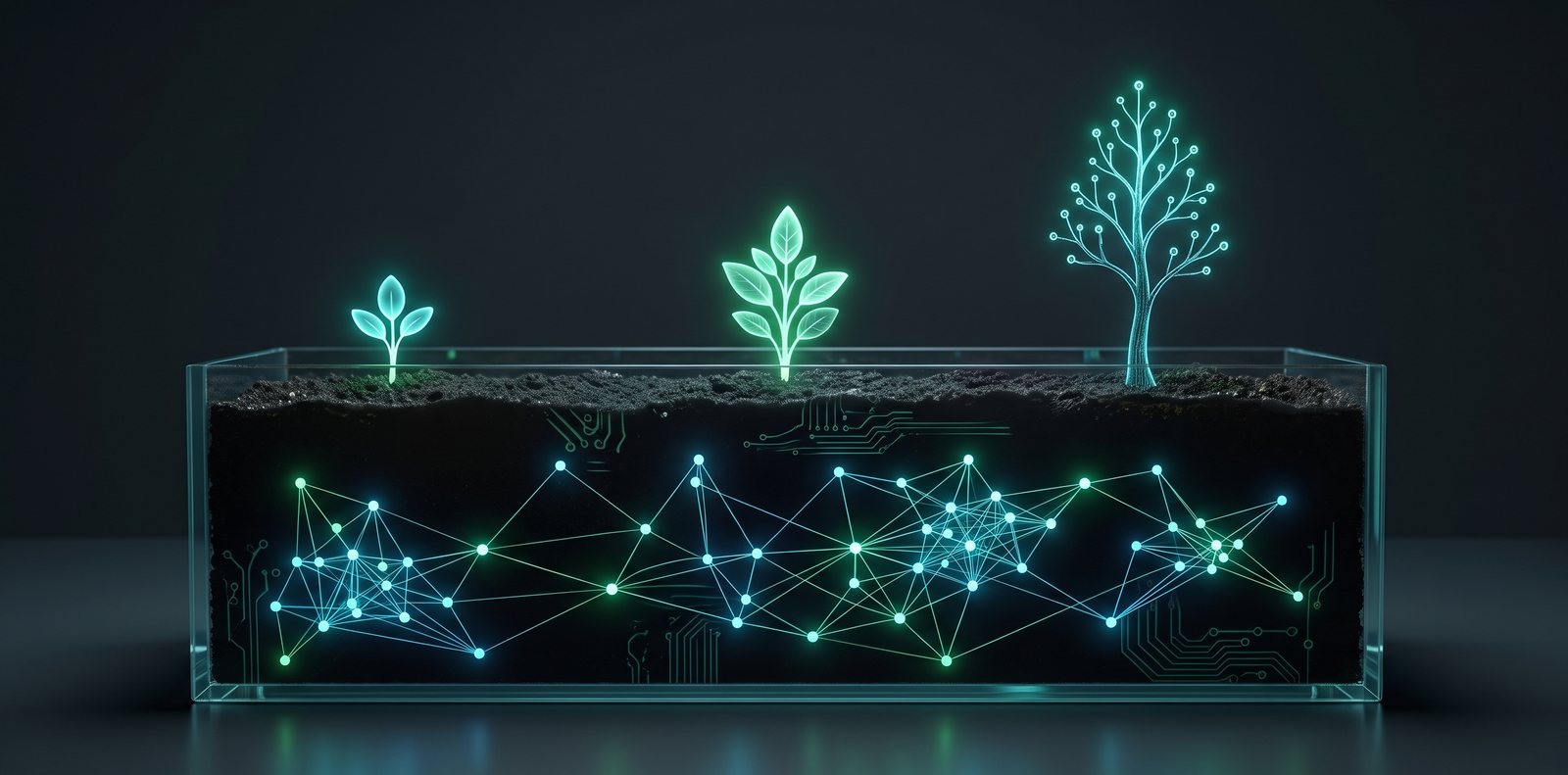
From Gemini Chats to Signals: Why I Built a Digital Garden
Archived Release Snapshot: July 26, 2026
Initial planting (why unorganized AI chats led to building this garden) (b123b7b)
From Gemini Chats to Signals: Why I Built a Digital Garden
Like a lot of developers, my daily workflow involves talking to AI. I use Gemini constantly to brainstorm, challenge my assumptions, collate research, and structure my thoughts.
Whenever a conversation hits on a breakthrough, I use the Gemini Canvas tool to write it out, and then leverage the "Export to Docs" feature.
Over the months, this habit created a massive backlog. I had hundreds of Google Documents sitting in my Drive—raw blueprints, coding notes, thoughts on software architecture, philosophy prompts, scientific summaries, data analyses, and random ideas. It was an intellectual goldmine, but it was also a graveyard. There was no connection, no structure, and no easy way to share it. It was noise.
I wanted to turn that noise into a signal.
My thoughts don't sit in a single bucket. This garden is about development, ideas, conversation, learning, and growth. It spans across multiple categories—from software engineering and data pipelines to philosophy, science, and self-improvement. Traditional blogs force you to write polished, chronological articles or pigeonhole yourself into a single topic. But my thoughts aren't linear, and they aren't ever truly "finished." I needed a space that lets different categories interlink and grow together naturally.
So, I decided to build a Digital Garden.
What is a Digital Garden?
A Digital Garden is a cross between a traditional blog and a personal wiki. Instead of thinking of posts as static, "finished" articles, a garden treats them as living documents that grow and change over time as the author learns.
Here is what makes a digital garden unique:
1. Ideas Grow in Stages
In a garden, you don't wait until an essay is perfect to publish it. You publish your notes as soon as you plant them, categorizing them by their stage of maturity:
- 🌱 Seeds: Very rough, unpolished thoughts, quick scribbles, or raw book notes. They are messy, incomplete, and that is completely fine.
- 🌿 Buds: Ideas that are starting to form connections. They have more structure, maybe a couple of sections, but are still actively incubating.
- 🌳 Evergreens: Fully fleshed-out, polished essays or comprehensive guides. These are what we traditionally think of as "finished" blog posts.
By showing the growth stage, you remove the pressure of perfection. You can publish a single paragraph of a cool concept you found today without feeling like it has to be a 2,000-word masterpiece.
2. Networked (Non-Linear) Thinking
Traditional blogs force you to read forward or backward in time. A digital garden uses interlinking (like Wikipedia or Obsidian).
Notes are connected using double-bracket wikilinks ([[like-this]]). When you read a note, you can see all other notes that link back to it (called backlinks). This creates a web of interconnected thoughts rather than a linear stream. You explore the site by following threads of curiosity, not a timeline.
3. Learning in Public
The core philosophy of a digital garden is learning in public.
By sharing your unfinished thoughts and raw notes, you show your work. It invites collaboration, helps you build a feedback loop earlier, and documents your intellectual journey. When you look back at an Evergreen essay, you can trace its roots back to the Seed note you planted months prior.
Why I am Building My Own Garden
For me, this garden is a personal tool to translate my daily learning into a public signal:
- Low Friction: Planting a note directly from local markdown files.
- Connecting the Dots: As I link notes together (see Welcome to my digital garden), I start to notice patterns across projects and ideas, letting my understanding compound.
- Intellectual Play: It makes writing fun again. I am not writing for an algorithm or trying to feed a chronological timeline; I am cultivating a space to learn in public.
In Building a Modern Digital Garden with Angular 22, SSR, and Markdown, I share the technical blueprint of how I built this entire pipeline using Angular SSR, Markdown, and interactive graph physics.
Welcome to my digital garden. Feel free to explore the connections, jump from node to node, and see what thoughts I'm cultivating!
Note Evolution & Releases
Snapshot history as this thought was cultivated over time
Marked as evergreen, added high-resolution hero art, and linked to digital garden notes
Initial planting (why unorganized AI chats led to building this garden)
Discussion & Garden Notes
Share your insights, reflections, or critiques on this note.
Join the conversation
Sign in with Google to post comments, share technical perspectives, and connect your thoughts.
No thoughts planted yet.
Be the first to share an insight on this note!